getting-started
Hi Team
When you open the projects from the new locations you might have to fix some of the references due to the folder structures changing ie code is not under a "Development" folder as it now is branch based. This can be done by editing the csproj directly or doing a search and replace with the new paths where applicable, alternatively you can remove the old references via IDE and relink to new paths do not link to old paths on your machine.
Prerequisites
- Install WinMerge
- Install Notepad++
- Install VisualStudio 2022
- Install VisualStudio Code
Source control installation
- Install Git for Windows
- Install tortoisegit
- Setup the nuget feed
Also while we in the transition phase it might be helpful to add this link via this command:
mklink /D c:\dev\src\Packages C:\dev\Packages
clone to here: C:\dev\ebsphere\migration\
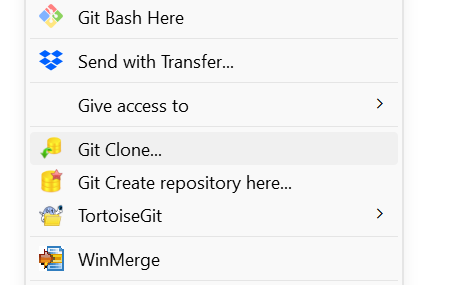
The URL's for different repositories to clone is as follows:
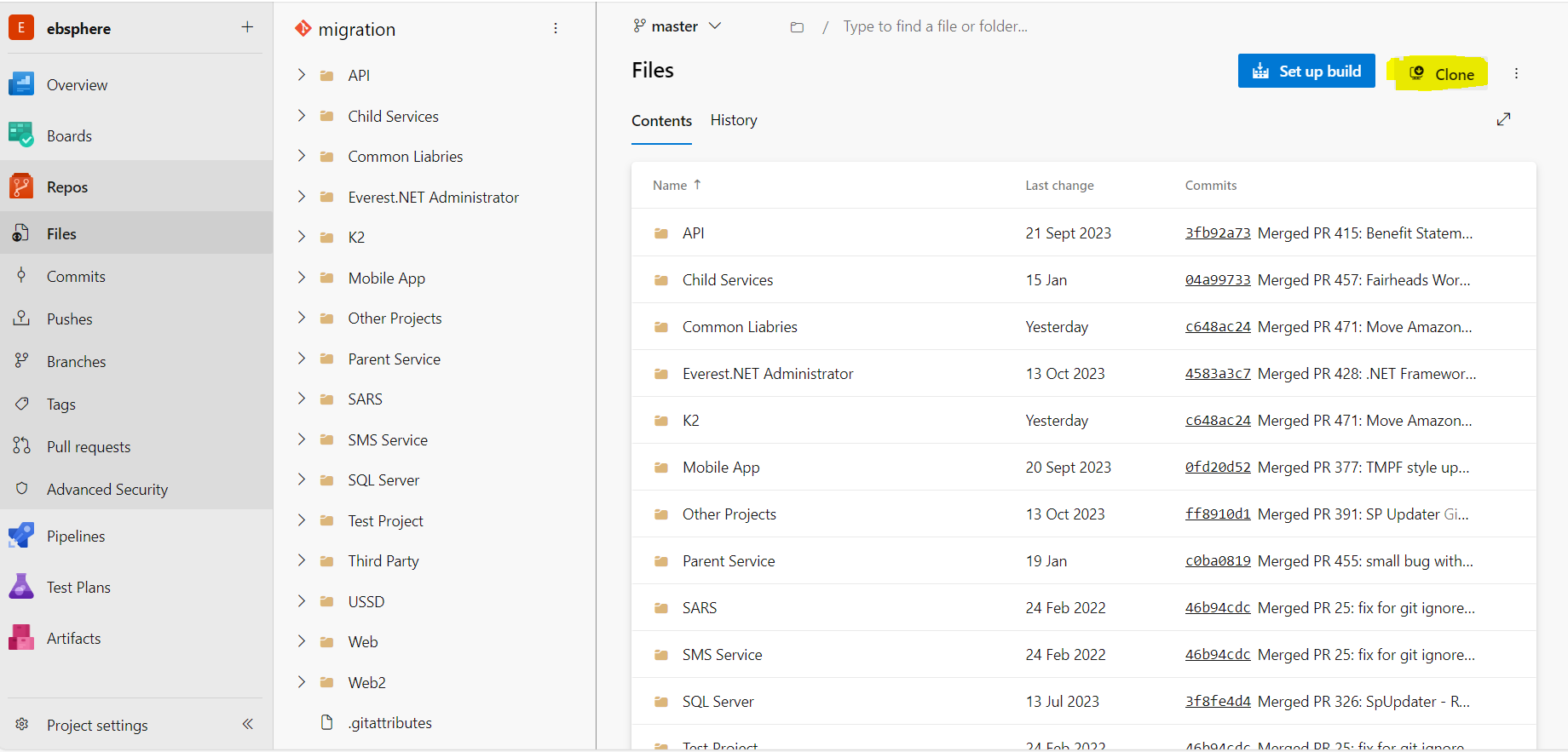
--> Application Source Code
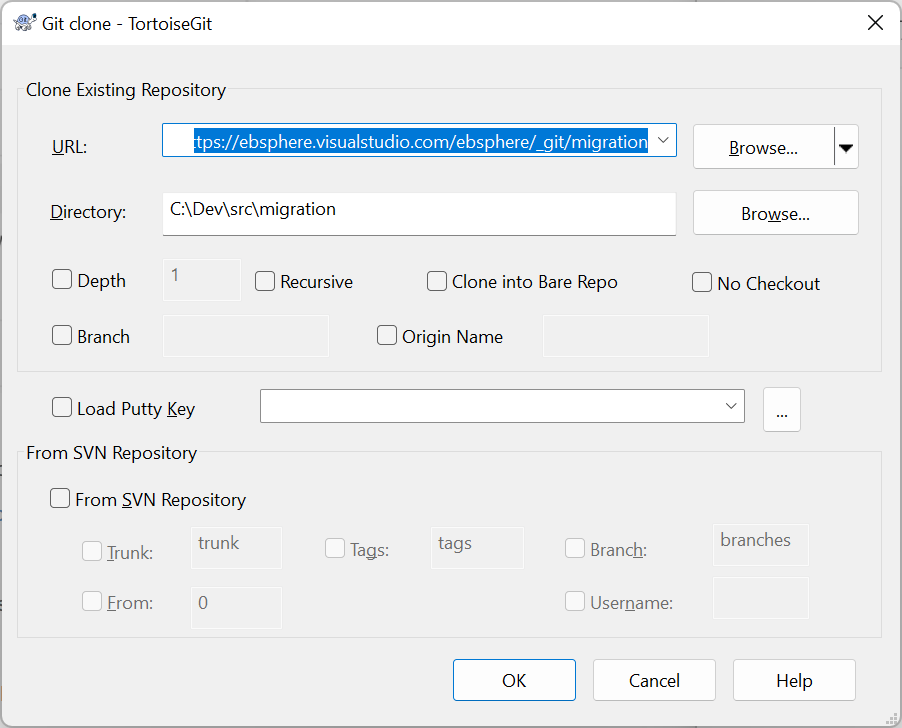
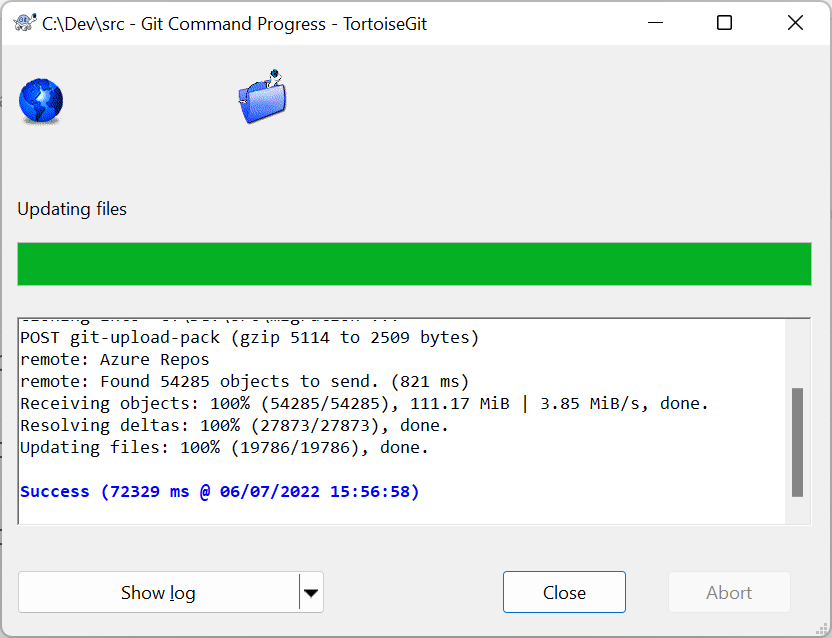
For reference attached is the mappings of the new folders from old folders.
If you want to start making changes follow the following process:
Right click the migration folder and create a new branch via the TortoiseGit menu
- specify branch name follow this pattern for now (names cannot have spaces use dashes -):
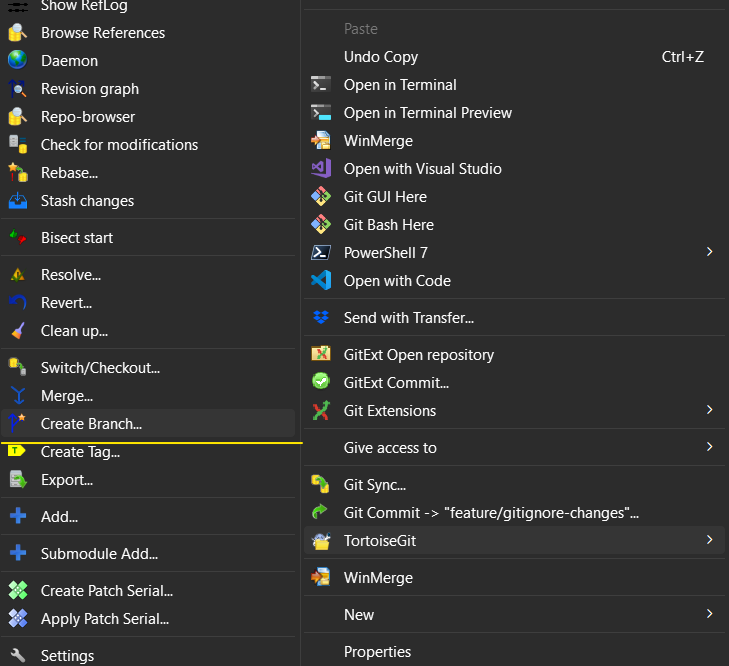
- feature/il-12345
- if it is issue log related you can add a -short-description if needed
- 12345 = replace with issue log number
- feature/12345
- if it is azure task related
- 12345 = replace with az workitem number
- feature/short-description
- if it has no work item associated to it
- if it has no work item associated to it
- make sure you select branch = master and switch to new branch is checked
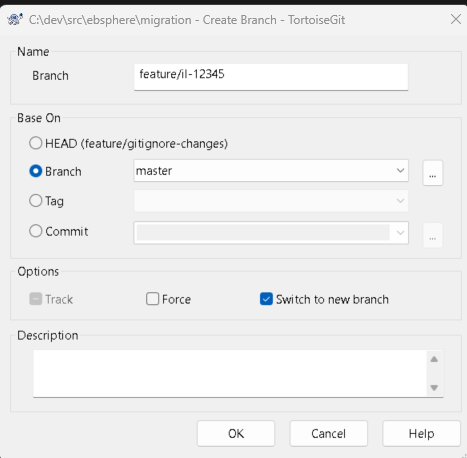
As mentioned Friday if there is a piece of new code that has sync over yet and you need it, merge it over on your end with something like winmerge once you have created a feature branch.
As always please reach out if you get stuck.