tortoisegit
Last modified by Gideon Lombard on 2023/09/18 11:50
First complete getting-started section before you start to install any client-tools
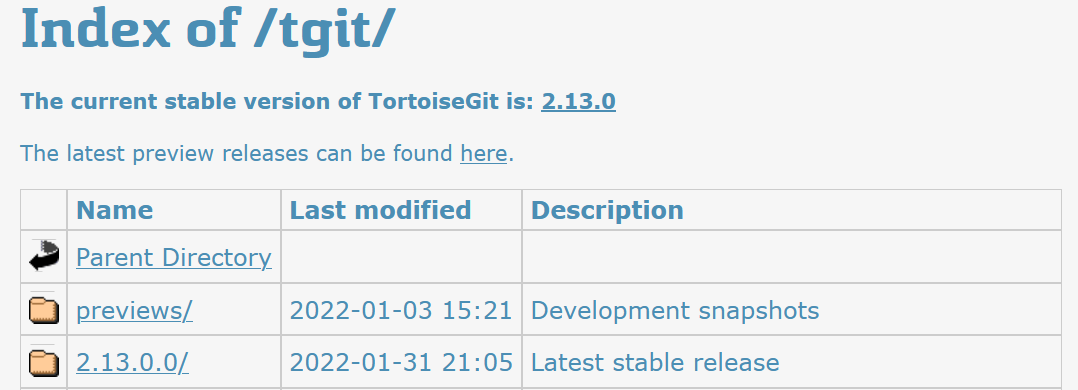
Install: https://download.tortoisegit.org/tgit/ and download the Latest stable release
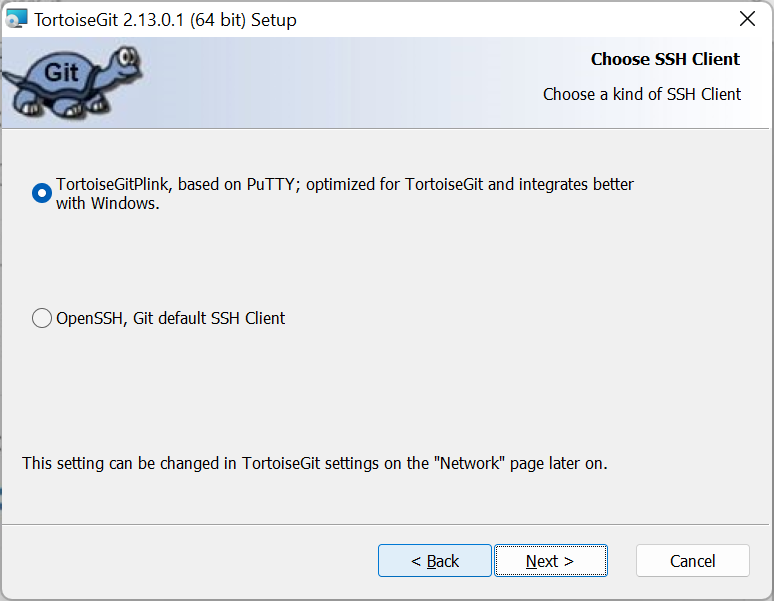
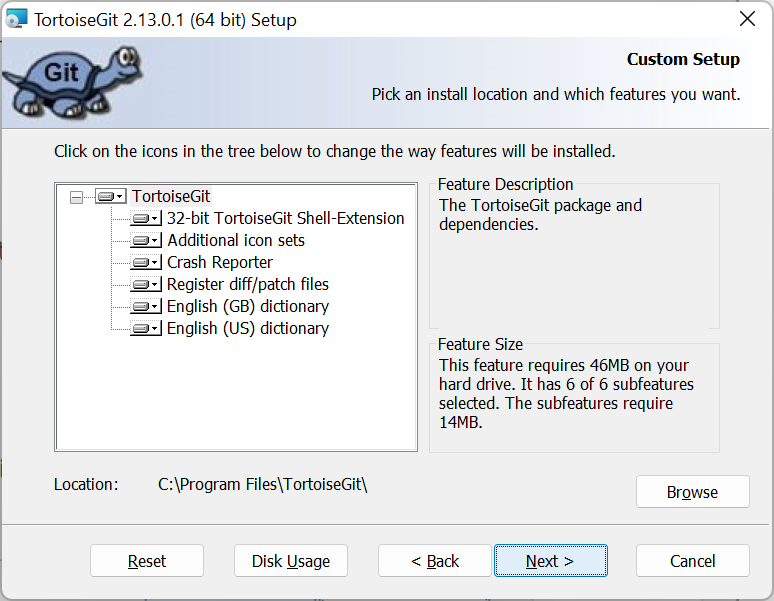
Defaults
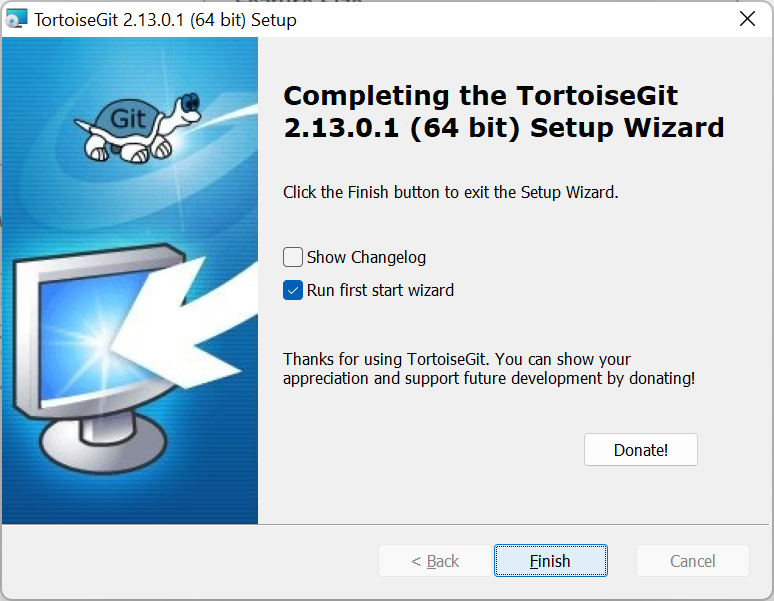
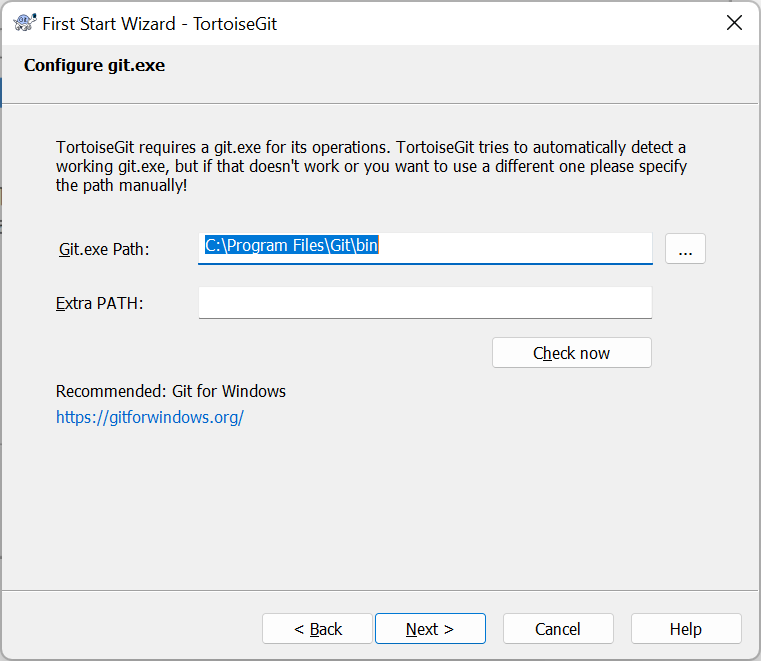
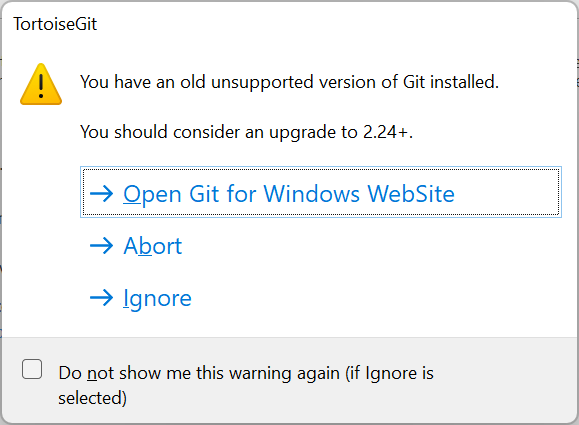
If you receive this message just select ignore and do the update step at the end.
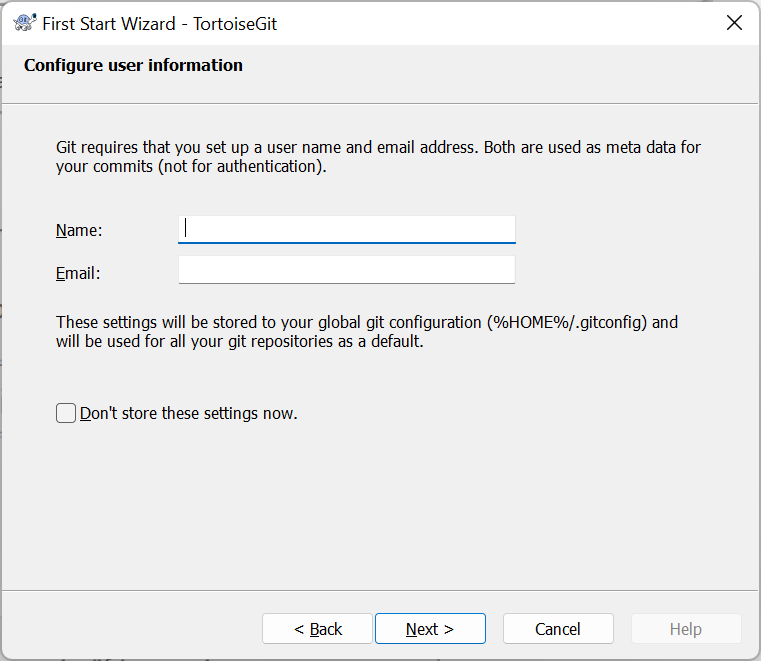
Complete your name and EBSphere e-mail address.
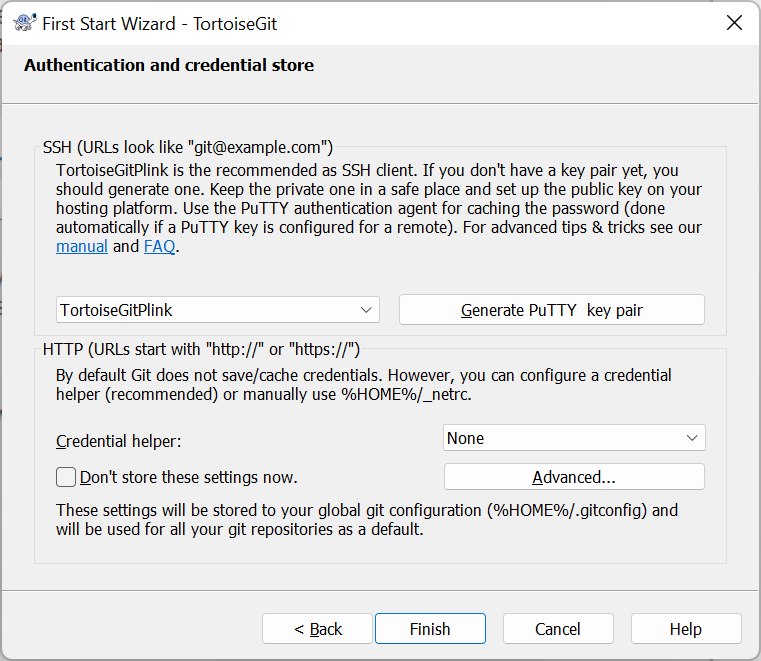
- Show Whole Project = true
Setup
Config
Config VS Diff merge tool
Diff
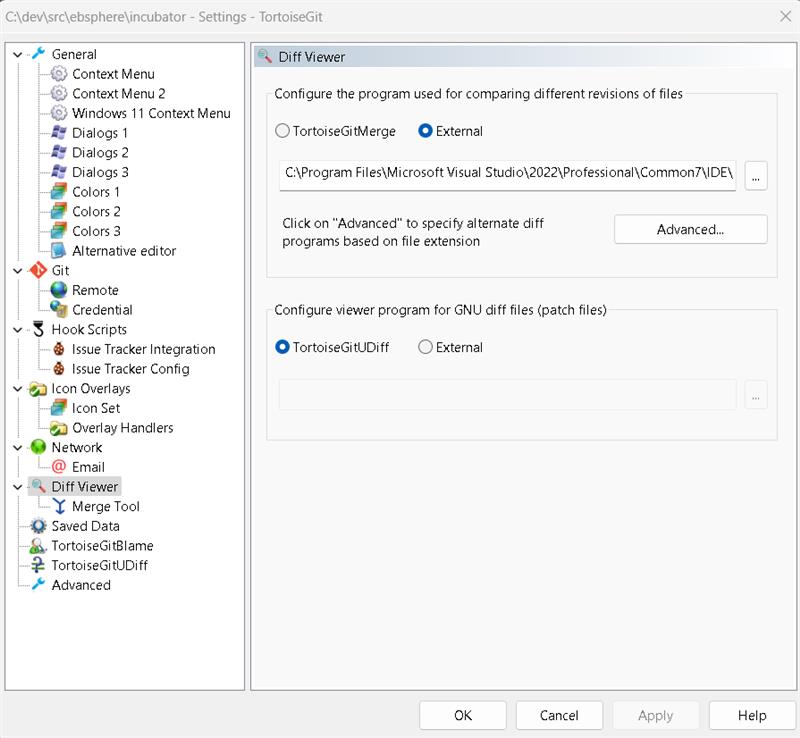
C:\Program Files\Microsoft Visual Studio\2022\Professional\Common7\IDE\CommonExtensions\Microsoft\TeamFoundation\Team Explorer\vsDiffMerge.exe %base %mine
Merge
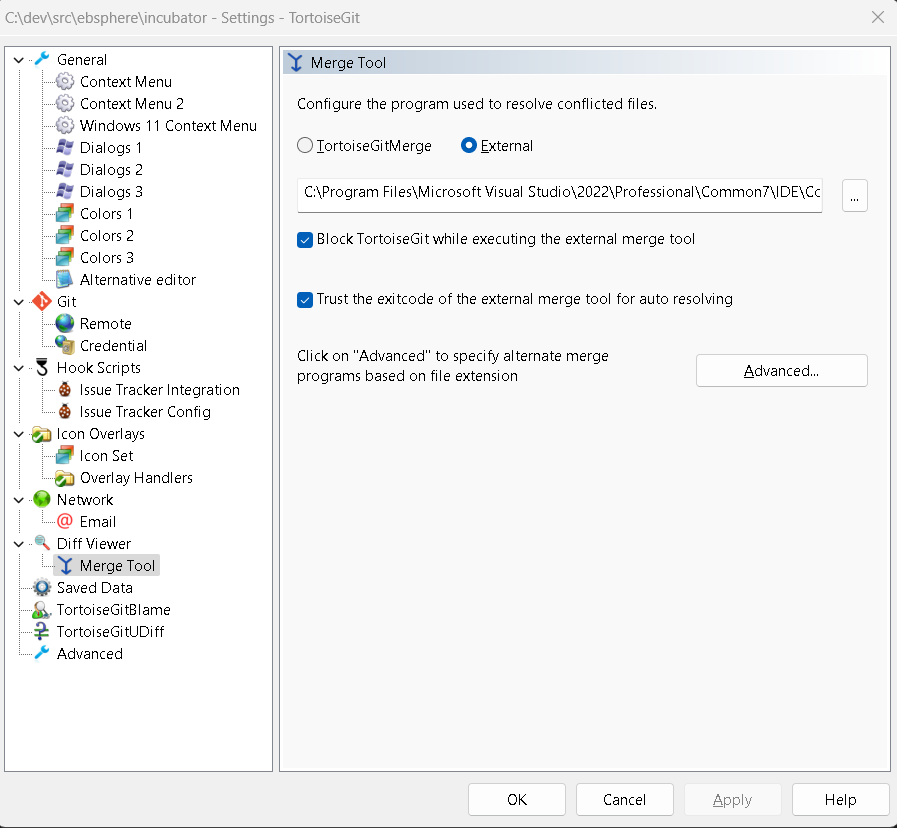
C:\Program Files\Microsoft Visual Studio\2022\Professional\Common7\IDE\CommonExtensions\Microsoft\TeamFoundation\Team Explorer\vsDiffMerge.exe %theirs %mine %base %merged /m
Cloning a repository
Creating a branch
Switching branches
Merge Conflicts