nuget-feed
Last modified by Mohamed Varachia on 2024/02/05 14:37
- Make sure your VS is updated with the latest updates (critical)
Install The Azure Artifacts Credential Provider and select the PowerShell helper script link
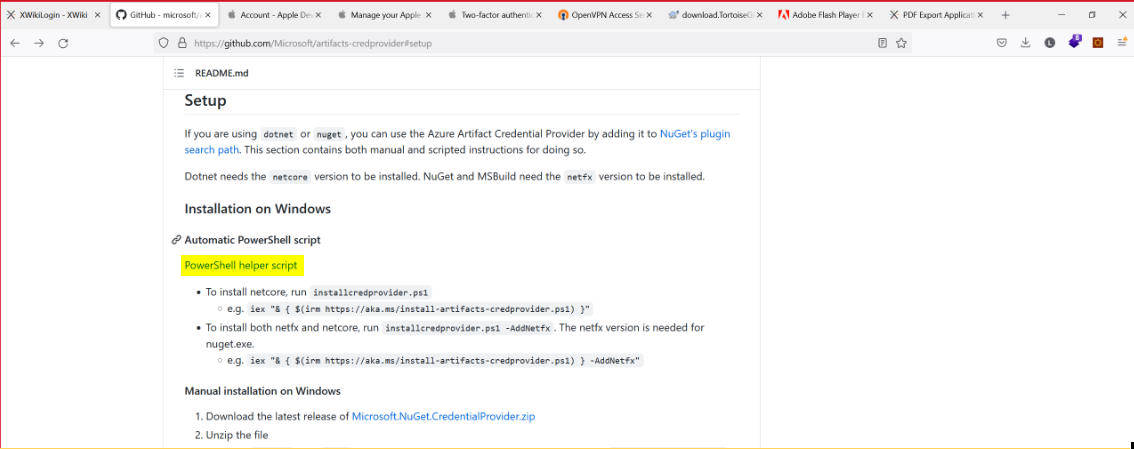
3. Click on highlighted link
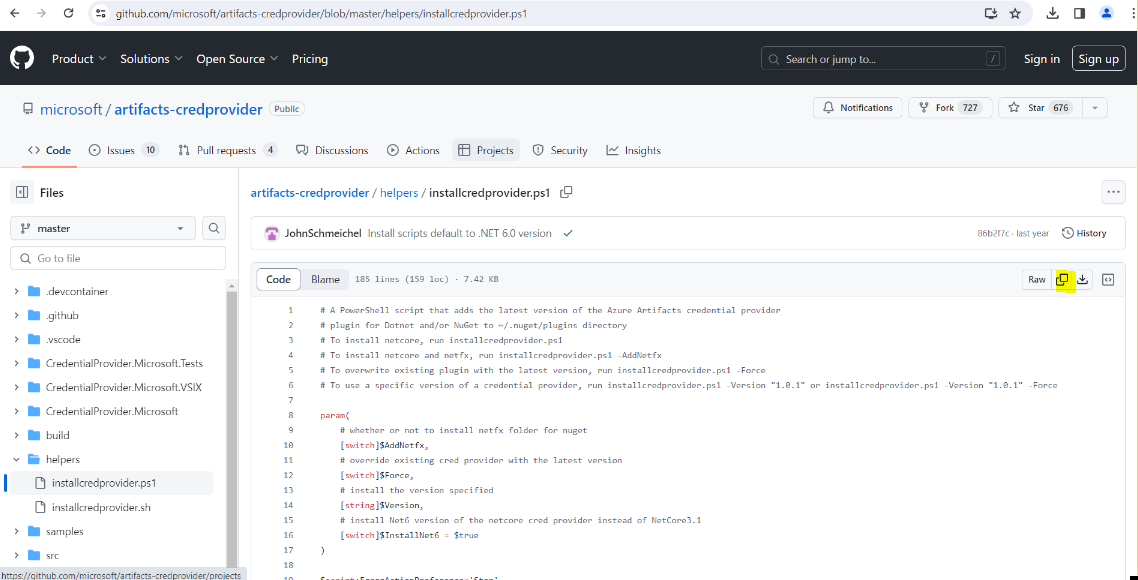
4. Copy code from Github
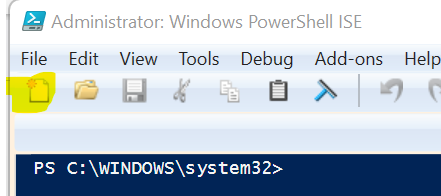
5. Open Windows Powershell ISE as administrator and click the new button and paste the text in the script window
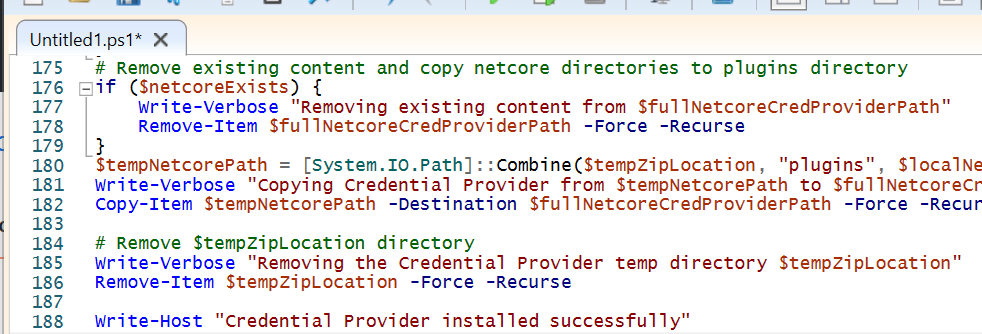
6. Click the Run button to execute the script.
7. For the Visual Studio development user they need to run the following inside a Visual Studio Command Shell as an administrator.
dotnet nuget add source https://pkgs.dev.azure.com/ebsphere/ebsphere/_packaging/ebs-dev/nuget/v3/index.json --name ebs-dev